Raindance AI: remix the seaside duet
Explore the viral Raindance AI seaside performance with four popular, attributed creator videos. Load a stored reference and an adapted prompt into the shared Seedance 2.5 workspace, then change the cast, preserve the pier choreography and review the generated soundtrack before sharing.
Video workspace
Subway Surfers seaside duet
23/30View prompt
Use @Video1 as the reference for the Raindance seaside performance. Feature the green-uniformed Subway Surfers inspector as the seated listener and Jake in his cap and denim vest as the standing performer. Preserve each character’s distinct appearance, body proportions and clothing through the seated opening, standing gestures, wide views and expressive closeups shown in the reference. Follow the visible camera sequence and performance timing. Keep the wooden pier, coastal water, warm light and level horizon consistent. Maintain natural anatomy, readable faces and hands or paws, with no identity blending or extra characters. Generate synchronized audio following the reference rhythm and vocal timing; review the complete result. No captions or abrupt location changes. To recast the pair, add your own character images and update the seated and standing role instructions.
Full reference video loads automatically. Optional: add two character photographs and map the seated and standing roles.
Seedance 2.5 · 30s · 720p · 4:3
Public creator reference by @tisha_bimbo; the original caption credits Higgsfield Genjutsu. Original prompt and seed were not published. This H3Max brief adapts the visible clip to Seedance 2.5 reference-to-video and is not a tested reproduction. Use This Prompt loads the full stored H.264 reference, adapted brief and supported settings. Review generated identities, motion and audio. Instagram displayed 49.8 万 likes at the October 4, 2026 check; this rounded count is not a worldwide ranking.
@tisha_bimboIntroduction
What is Raindance AI?
Raindance AI describes character replacements in Dave and Tems’ seaside music-video scene. The recognizable wooden pier, seated listener and standing performer connect otherwise very different casts.
Identify the original music video
Raindance AI takes its visual starting point from Dave’s Raindance music video featuring Tems. Universal Music announced the official video on January 9, 2026, and confirmed that it was filmed in Lagos, Nigeria. The recurring template is a sunny waterside performance, with one character initially seated and the other taking the singing role.
Recognize the character swap
A Raindance AI edit changes the pair while retaining familiar gestures, camera angles and the coastal setting. Cartoon, game and creature characters make the contrast especially clear. The standing character receives expressive closeups while the seated character reacts.
Know the workflow on this page
The Raindance AI examples credit Higgsfield Genjutsu in their creators’ captions. This independent H3Max workspace uses Seedance 2.5 reference-to-video through the existing generation flow.

How to use
How to create a Raindance AI remix
- STEP 1
Choose a seaside reference
Watch a Raindance AI example, inspect its credited original post, then load the stored video and adapted prompt with the button.
- STEP 2
Map your two characters
Edit the Raindance AI cast descriptions, or add two clear photographs and assign each image to the seated or standing role.
- STEP 3
Review and create
Confirm Raindance AI duration, framing, audio and the displayed quote. Sign in, then press Create when your prepared draft is ready.
- STEP 4
Inspect the complete output
Play the full Raindance AI result, check both identities through closeups, listen to its soundtrack, then download your preferred version.

Features
Prepare two identities for Raindance AI
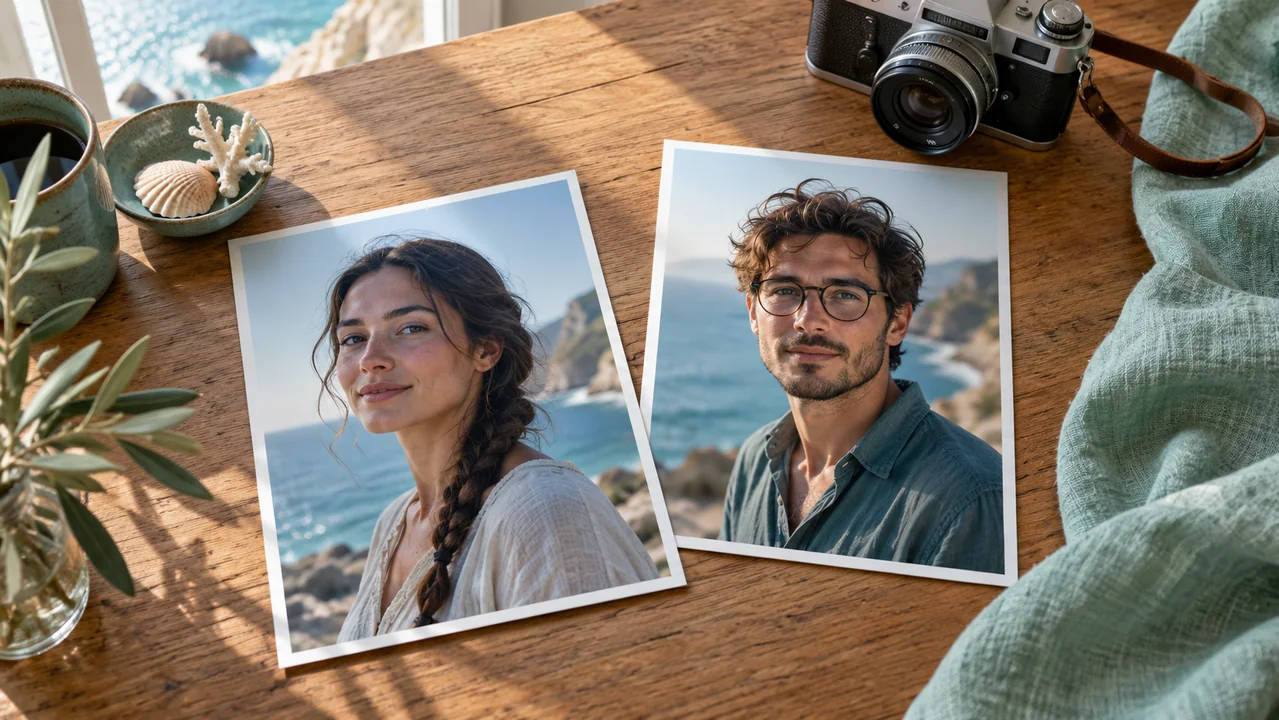
Raindance AI works best when the seated and standing roles have clear identities. Choose those roles before introducing replacement photographs or changing the wardrobe.
Separate performer and listener
For Raindance AI, map the seated listener and standing performer explicitly. The gallery prompt initially describes the characters already visible in the reference. To recast them, add two separate character images and explain which image belongs to each role.
Use portraits with usable detail
Choose Raindance AI character photographs that show one subject clearly, with readable eyes, hair and clothing. Even light and a slight front angle usually provide a cleaner starting point than a distant group photograph.
Keep the poster out of character inputs
Each Raindance AI example has a preview poster extracted from its video. Use This Prompt loads the actual stored moving reference, rather than uploading that poster as a new identity.
Direct Raindance AI movement and camera
A useful Raindance AI brief explains the performance’s sequence. Describe the seated opening, the standing subject’s gestures and the closeups, with the reference providing timing.
Preserve the action sequence
Ask Raindance AI to follow the visible seated-to-standing staging and expressive singing gestures in the reference. Keep the listener’s reactions distinct from the performer’s movement. Avoid adding acrobatics or a new dance routine on top of the existing scene.
Keep the coast coherent
For Raindance AI, retain the wooden pier, blue water, warm sunlight and stable horizon. The original camera includes changes of framing, so a rigid instruction to use one static shot may conflict with the source. Follow the reference angles while preventing sudden location changes, extra people or characters passing through the pier.
Choose a supported duration
The Raindance AI default is thirty seconds, 720p and 4:3 with generated audio enabled. Three stored references run about twenty-nine seconds; the dragon example runs about twenty-eight seconds and loads a twenty-nine-second output setting. Output duration is a generation choice, while each complete source clip remains available for review.
Check Raindance AI soundtrack and gestures
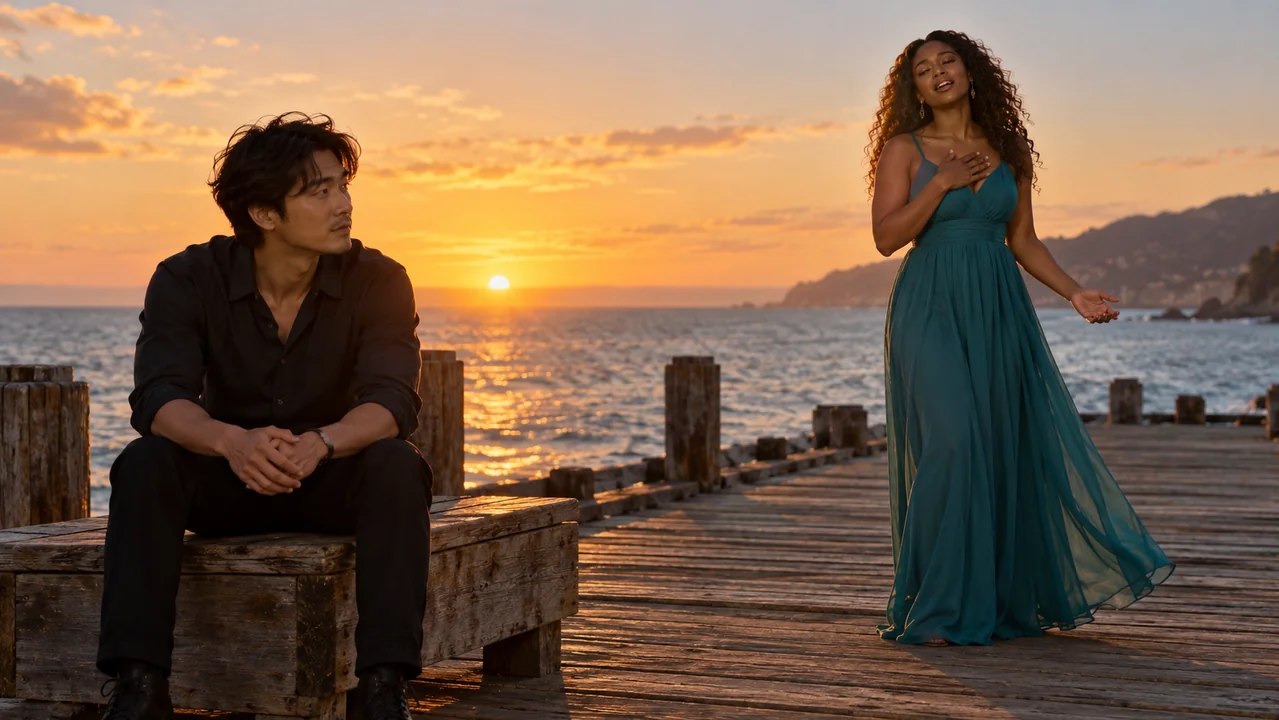
Raindance AI is a music-video trend, so visual identity is only part of the result. Compare the complete motion and listen to the generated audio.
Make audio an explicit choice
Raindance AI enables synchronized generated audio in this workspace. The reference carries the creator’s soundtrack, but a generated output does not promise an identical copy of that recording. Ask for matching performance rhythm and vocal timing, then listen. For precise final music placement, align your chosen soundtrack in an editing workflow after downloading the result.
Watch through every closeup
Review Raindance AI from the opening seated pose to the final hold. A face can look consistent in a wide shot and change during a closeup. Check mouths, eyes, hands and clothing whenever the framing changes. Animal or cartoon characters also need consistent proportions; one convincing preview frame does not establish that the full performance works.
Inspect a complete reference
The Raindance AI collection preserves full downloaded video and audio streams, a combined original and a compatible H.264 playback version. The viewing version retains the complete timeline and soundtrack while using 720p for practical browser loading. Source records retain measured duration, dimensions, codecs and checksums, making the files traceable to their credited public posts.
Explore Raindance AI cast and style choices
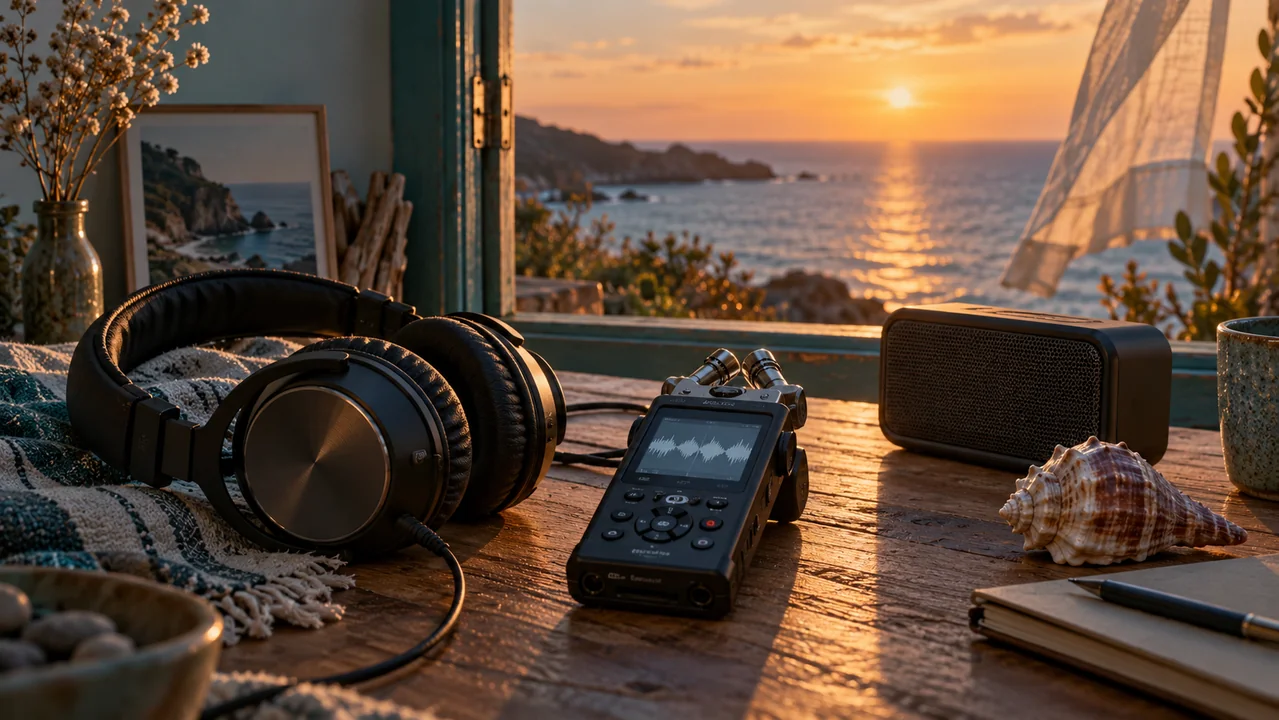
Raindance AI has spread through contrasting character pairings. Decide whether the subjects should retain their cartoon, game or creature appearance before changing motion or background.
Keep illustrated characters recognizable
For an illustrated Raindance AI pair, name a few consistent visual cues such as a white hood, pink hair, crown or distinctive silhouette. Preserve flat outlines when that is part of the character’s appearance. The Adventure Time reference shows how an illustrated pair can remain readable against a realistic seaside setting without turning into different people.
Translate creature anatomy carefully
A creature Raindance AI remix needs more than a face replacement. State the body shape, relative scale, wings, paws or other visible features that should remain consistent. The dragon and Madagascar references use very different proportions. Keep movements manageable, inspect appendages during closeups and avoid instructions that unintentionally turn animal bodies into human anatomy.
Change one creative decision at a time
Use Raindance AI to compare a new pairing while keeping the reference timing and coastal scene stable. If the identities drift, improve the portraits or simplify the role instructions before adding camera changes. Once the cast works, try a different wardrobe or restrained gesture.

Popular Raindance AI examples and sources
The Raindance AI gallery includes four named remixes from public creator posts, selected using visible popularity evidence and stored with direct source links.
Subway Surfers and Adventure Time
Two popular Raindance AI examples by @tisha_bimbo recast the scene with Subway Surfers characters and Finn with Princess Bubblegum. At the October 4, 2026 source check, Instagram displayed approximately 498,000 and 118,000 likes respectively. These are rounded, dated figures for those posts. They establish substantial engagement, rather than a complete ranking of every remix worldwide.
Dragons and Madagascar
The Raindance AI selection also includes Toothless with the Light Fury and Alex with Gloria, published by the same creator. Instagram displayed about 110,000 and 81,000 likes at the source check. All four captions credit Higgsfield Genjutsu. Their exact original prompts and seeds were not published, so the workspace uses clearly identified adapted briefs.
Reuse a documented starting point
Select a Raindance AI thumbnail and watch its full stored reference. Use This Prompt prepares the video input, adapted brief and compatible output settings. Edit the cast or add your own photographs before generating. Earlier Opus and Hotel Lobby examples remain available in the shared gallery, and loading a reference does not submit a paid generation.
Example prompts
Raindance AI with a fictional seaside pair
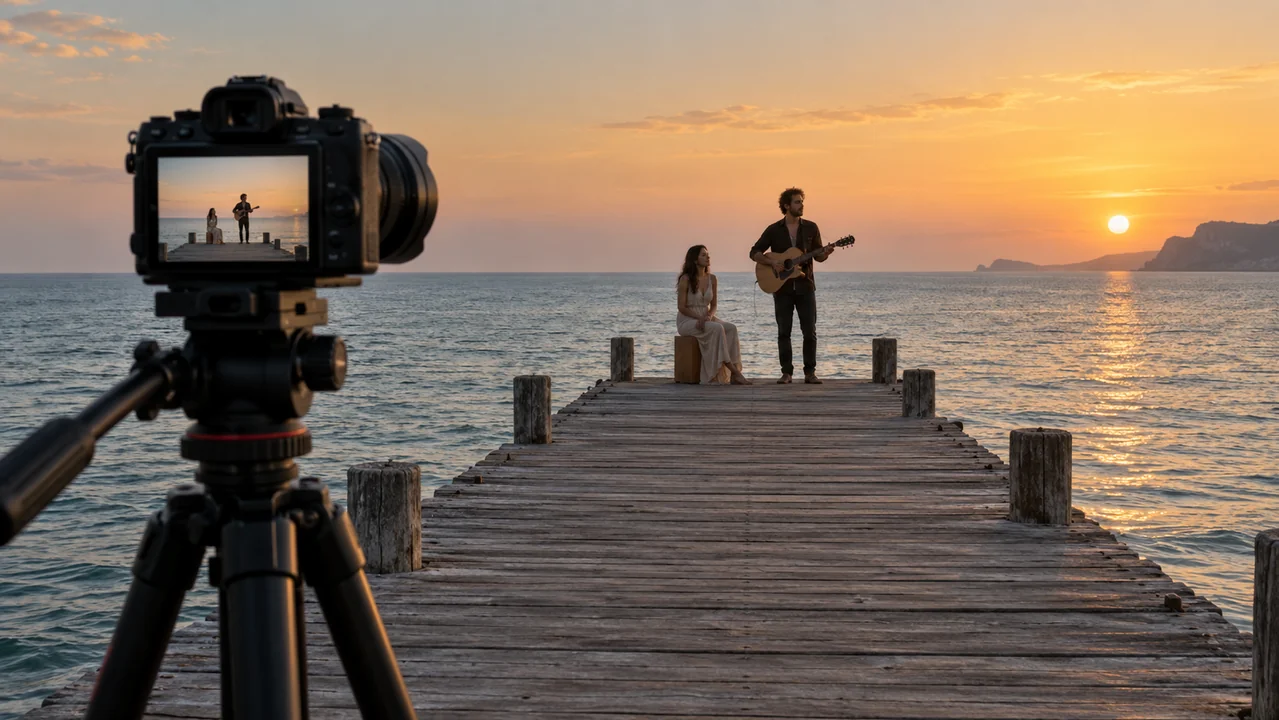
Use @Video1 for the wooden pier, coastal light, camera changes and performance timing. Replace the seated listener with a fictional adult man in a navy shirt and the standing performer with a fictional adult woman in a mint dress. Preserve distinct identities, natural hands and the visible singing gestures across closeups. Generate synchronized audio matching the performance rhythm. No extra people, captions or sudden location changes.
Raindance AI using two character photographs
Use @Video1 for the seaside staging, gestures and camera sequence. Replace the seated listener with the subject in @Image1 and the standing performer with the subject in @Image2. Keep each face, hairstyle, clothing and body shape consistent through wide views and closeups. Maintain the wooden pier and level water horizon. Generate synchronized audio and review the complete performance timing.
User reviews
H3Max video creator feedback.
H3Max creator reviews

I made a full character PV for my game with MiniMax H3 in one afternoon. The menu UI stayed readable in every frame and the character never went off-model. That used to cost me a contractor and three weeks.

We tested every AI video generator on the market for stylized work. H3 is the only one that held our anime style across cuts. We now use it for pitch reels and animatics on every project.

I uploaded four product photos and got a listing video with music and a voiceover the same day. My click-through rate on the new listings is up 38%. H3 even got the label text on my packaging right.

I ship five vertical videos a week for three brands. MiniMax H3 gets me from brief to draft in under an hour, with sound already synced. My old workflow needed a videographer and two review rounds.

The editing side is what sold me. A client wanted the background of an interview changed — I typed one sentence into MiniMax H3 and the lighting on the subject matched the new scene automatically.

I previsualized my entire short film in MiniMax H3 before we shot a single frame. Rack focus, match cuts, even the title cards — it understands director language, not just keywords.
Nano Banana 2.1 Pricing and Credit Plans
Cancel anytime
Lite
50% off0.025 / credit
Billed $ yearly179· Save $179.8
Video Models



Image Models



- Includes Nano Banana 2.1 and all premium models
- Up to 1 batch generation task
- Standard generation speed
- Standard generation success rate
- Standard customer support
- Commercial Use License
Standard
50% off0.017 / credit
Billed $ yearly299· Save $299.8
Video Models
Image Models
- Includes Nano Banana 2.1 and all premium models
- Up to 4 batch generation tasks
- Priority processing speed
- High generation success rate
- Priority customer support
- Commercial Use License
Pro
50% off0.014 / credit
Billed $ yearly599· Save $599.8
Video Models
Image Models
- Includes Nano Banana 2.1 and all premium models
- Up to 10 batch generation tasks
- Fastest generation speed
- High generation success rate
- Dedicated account manager
- Commercial Use License
Max
50% off0.012 / credit
Billed $ yearly1,199· Save $1,199.8
Video Models
Image Models
- Includes Nano Banana 2.1 and all premium models
- Up to 10 batch generation tasks
- Fastest generation speed
- High generation success rate
- Dedicated account manager
- Commercial Use License
Pay safely and securely with























FAQ
Frequently asked questions
What does Raindance AI refer to?
Raindance AI refers to character-replacement remixes of Dave and Tems’ coastal music-video scene. The recurring wooden pier, seated listener, standing performer and recognizable gestures make the source easy to identify. This page focuses on that creative trend.
Which model powers this Raindance AI workspace?
The Raindance AI examples’ creators credit Higgsfield Genjutsu, while this H3Max workspace uses Seedance 2.5 reference-to-video. The adapted prompts describe the visible references for the supported H3Max engine. They are not the creators’ original prompts or verified reproductions.
What does Use This Prompt load?
Use This Prompt loads the selected Raindance AI reference video, an adapted brief and supported output settings. It prepares a draft without submitting generation or spending generation credits. The original creator link and source metadata stay available beside the example.
Can I use photographs of my own characters?
Yes. Add two separate character photographs to the Raindance AI reference draft and update the role instructions. Assign the seated subject to @Image1 and the standing subject to @Image2 only after those images are uploaded. Review both identities when the camera changes angle.
Will the output preserve the original song exactly?
Raindance AI can generate synchronized audio, but exact soundtrack preservation and perfect mouth timing are not guaranteed. Listen to the complete output and compare its gestures with the reference. Use your editing workflow when precise final music alignment is required.
CTA
Create your Raindance AI seaside remix
Choose a reference, assign the two roles and review the whole take. Raindance AI provides a documented starting point in the shared workspace; your cast, timing and final audio choices shape the finished result.
Prepare a seaside remix